

The demo library
Watch D.O.N.N.A.
get to work.
IT that fixes itself.
Help when you need it.
See both in action.
 Full live demo / Replay
See D.O.N.N.A.
in action.
Watch the full live demonstration.
Onboarding, password resets and security.
All in one session.

Less explaining. More showing.
See the work.
9 demos
 Watch demo →
Self-Healing IT
Firewall protection
See a firewall-policy gap detected and the required protection restored.
 Watch demo →
Self-Healing IT
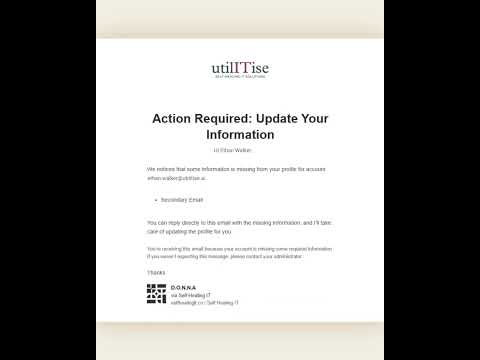
User-data audit
See D.O.N.N.A. find missing information in user records.
 Watch demo →
Everyday IT
Employee onboarding in Teams
See an admin request a new account, then approve a Microsoft 365 license assignment.
 Watch demo →
Everyday IT
Password resets
See D.O.N.N.A. handle a routine password-reset request.
 Watch demo →
Everyday IT
IT reports
See an IT report requested and delivered on demand.
 Watch demo →
Everyday IT
Company knowledge
See answers drawn from approved company documents.
 Watch demo →
Everyday IT
D.O.N.N.A. in team chat
See D.O.N.N.A. working inside Microsoft Teams.
 Watch demo →
Getting started
Meet D.O.N.N.A.
Start with an overview of utilITise and D.O.N.N.A.
 Watch demo →
Getting started
Connect your IT environment
See what to expect when connecting your systems to utilITise. This is member setup, separate from onboarding an employee.
These demos show specific examples. Available actions depend on connected systems, permissions and configured approvals.
From the demo to the workday
The work is real.
So are the stories.
See how teams use utilITise for employee onboarding, everyday support and access management.
Open D.O.N.N.A.’s case files ↗Offering this to your Microsoft 365 customers? ↗Your systems. Your questions.
Now picture it
in your business.
Bring one IT task your team still handles manually.
We’ll show you where D.O.N.N.A. fits.