
How IT Works
Agentic AI To Eliminate Service Desk
How Modern IT Works
Issue Detected
The system continuously monitors your environment, detecting issues as they arise.
You are Notified
The system keeps you informed, not overwhelmed. You’re notified the moment it matters.
Issue Resolved
Issue resolved automatically. Your environment stays stable and uninterrupted.
Traditional IT Process
User Reports the Issue
Automatically detects and resolves user access, network, and system incidents.
Ticket Logging & Categorization
Classifies and prioritizes IT requests through intelligent automation.
Initial Assessment & Routing
Analyzes context and routes issues to the right workflow instantly.
Diagnosis & Investigation
Identifies root causes using AI-driven insights and real-time telemetry.
Approval & Change Requests
Streamlines policy enforcement and executes approved remediations safely.
Verification & Closure
Validates successful resolution, logs outcomes, and ensures compliance.
Our Self-Healing Agentic AI Engine
utilITise provides real-time device health and compliance tracking across your entire estate. Our system constantly runs continuous policy drift monitoring to deliver proactive issue detection and anomaly alerts the moment a system deviates from the desired state.
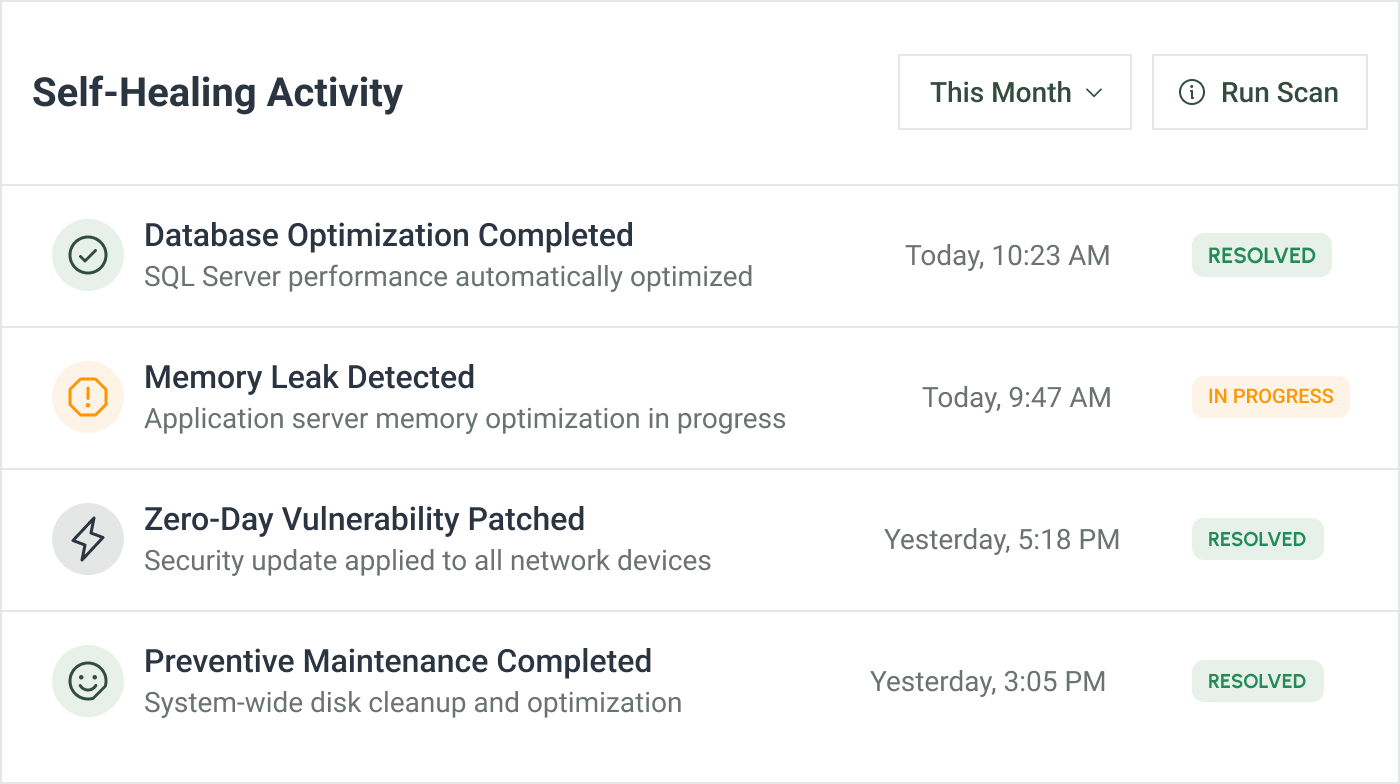
Autonomous Resolution is driven by intelligence, not static scripts. We achieve true autonomous issue resolution utilizing dynamic LLM-powered remediation. This results in AI-driven self-healing actions that are tailored, comprehensive, and eliminate manual intervention for complex problems.
Zero-Touch Deployment ensures immediate consistency. Once the fix is designed, the system executes an automated fix and policy rollout instantly. We utilize an AI-managed deployment pipeline to guarantee zero-touch configuration updates across all devices, eliminating deployment errors.
Assurance
Loop
validation
compliance
verification
assurance loop
monitoring
Guaranteed Validation closes the loop with assurance. Every fix is followed by post-remediation validation and intelligent compliance verification. This uses a feedback-driven assurance loop to confirm the policy integrity is fully restored before returning to continuous monitoring.
Your IT
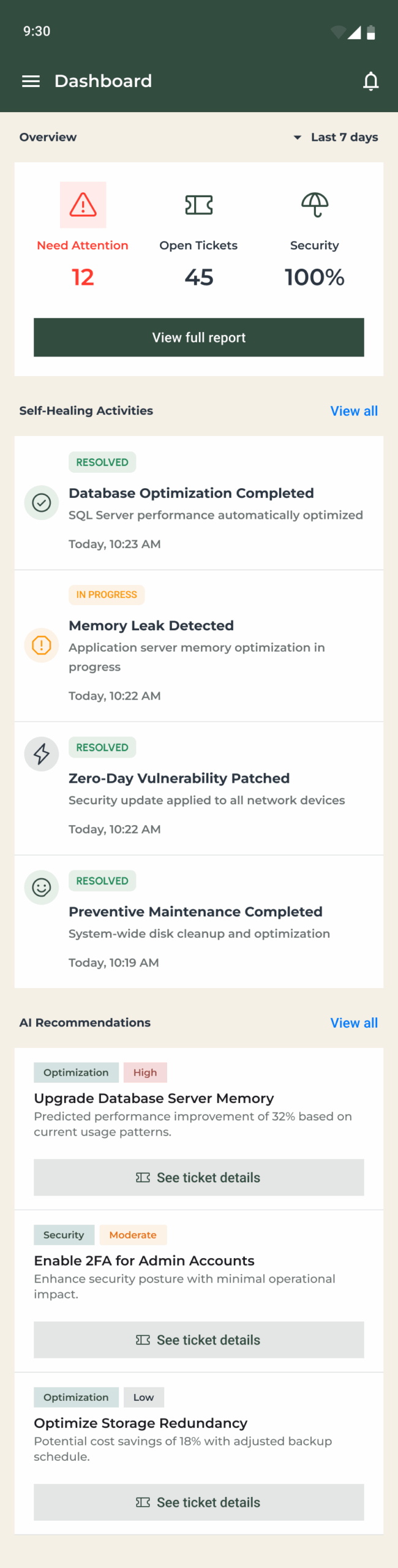
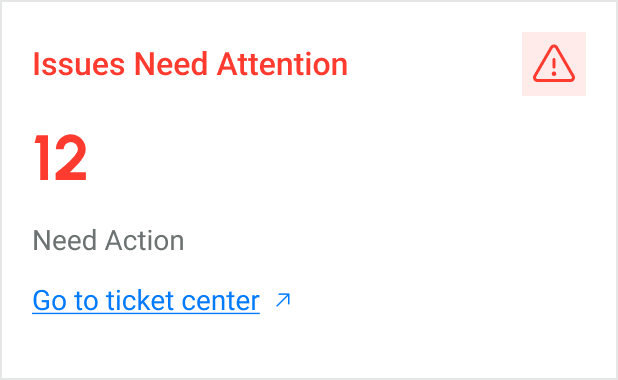
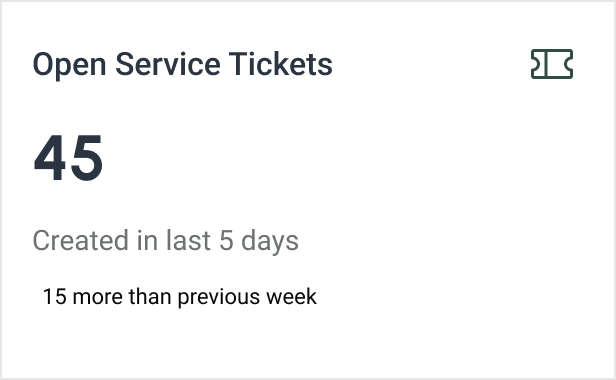
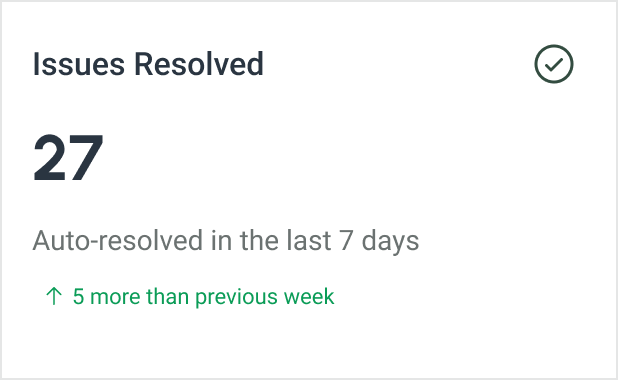
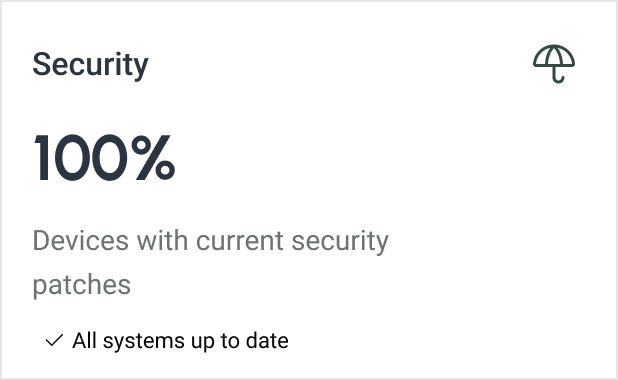
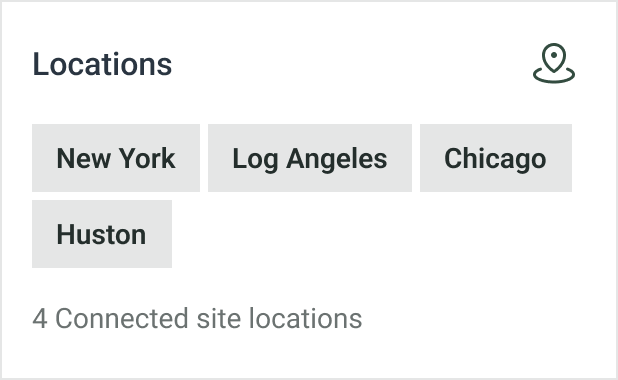
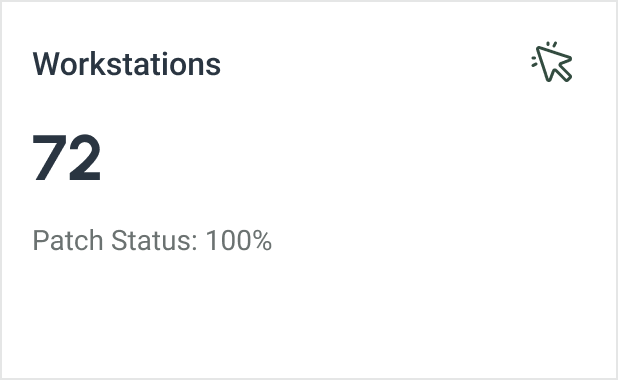
All In One Place




Use Cases in Action
OUR IMPACT
The Impact of AI-Driven IT Automation & Orchestration

Slash support tickets by up to 75%

Resolve issues in under 4 minutes

Maintain continuous security and compliance

Scale IT operations without adding headcount
FAQs
Today, utilITise integrates deeply with:
- Microsoft 365 including Intune, Entra ID, Defender, Exchange, Teams and SharePoint
- Cisco, Nutanix, Fortinet and Cohesity in development
More integrations are continually being added as the platform evolves.
Self-Healing User focuses on resolving common user-level issues such as:
- Password and MFA recovery
- Account onboarding and offboarding
- Device or profile offline status
- Patch failures and compliance drifts
- Teams and Outlook sync issues
Additional modules Connectivity, Security, and Data Protection are in development and will extend automation across networks, endpoints, and cloud protection.
Organizations using utilITise report measurable gains:
- 40% reduction in manual IT workload
- 10× faster issue resolution
- 99% uptime for critical systems
And the savings go even further. Implementing utilITise is, on average, 75% more cost effective than hiring an in-house IT resource to perform the same tasks.
Beyond numbers, the real benefit is peace of mind your IT simply runs quietly and efficiently in the background.